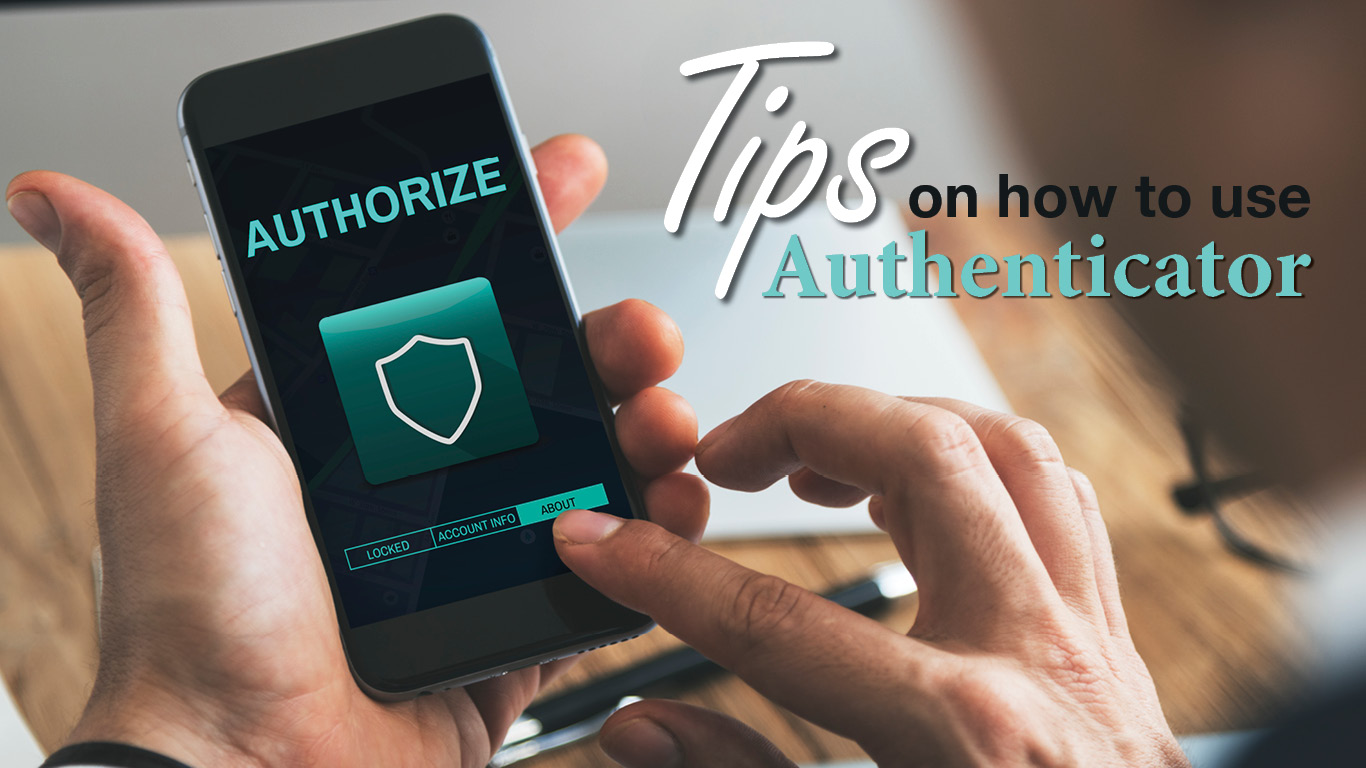
HOW TO: Use Authenticator
At this point you should know what Multi-factor Authentication (MFA) is. For the uninitiated, it’s a tool (or series of tools) that augments a simple password to protect your on-line accounts. Authenticator apps take this security one step further, beefing up defenses while keeping the log-in process from driving you to madness!
Authenticator apps are software-based tools that create one-time time-based passwords to verify your identify during log-ins. This way, even if your username and password combination are hacked or compromised, when a log-in is attempted, a code pops up on the authenticator app that you can see—but a would-be hacker can’t.
Set-up takes a few minutes, but the effort will pay off. You can start by downloading an authenticator (Google and Microsoft Authenticator as well as 2FAS and Authy all do the same thing). You’ll be asked to link your account(s) to the authenticator app using a QR code or by entering a code that is sent to you. Once the link is made, your secondary protection starts.
While the juice is definitely worth the squeeze, there are both pros and cons to consider:
| Pros | Cons |
| Increased security | Potential for lock outs. If you lose or reset your phone without transferring your authenticator app, you may be locked out of your accounts. |
| Improved experience (since you just check your authenticator rather than flipping back and forth to email/text) | Slowed log-ins. Even without flipping to email/text, you still have to enter a code into authenticator which takes time. |
| Works offline | Vulnerabilities remain. You still need to be on the lookout for social engineering attacks (that is, no one can steal your info but you can still be tricked into giving it away!). |
Bottom line? Unless everything you do has to be done at lightning speed, authenticator apps provide the added protection we all need without compromising our computing experience too much.